Not officially available yet / Not available.

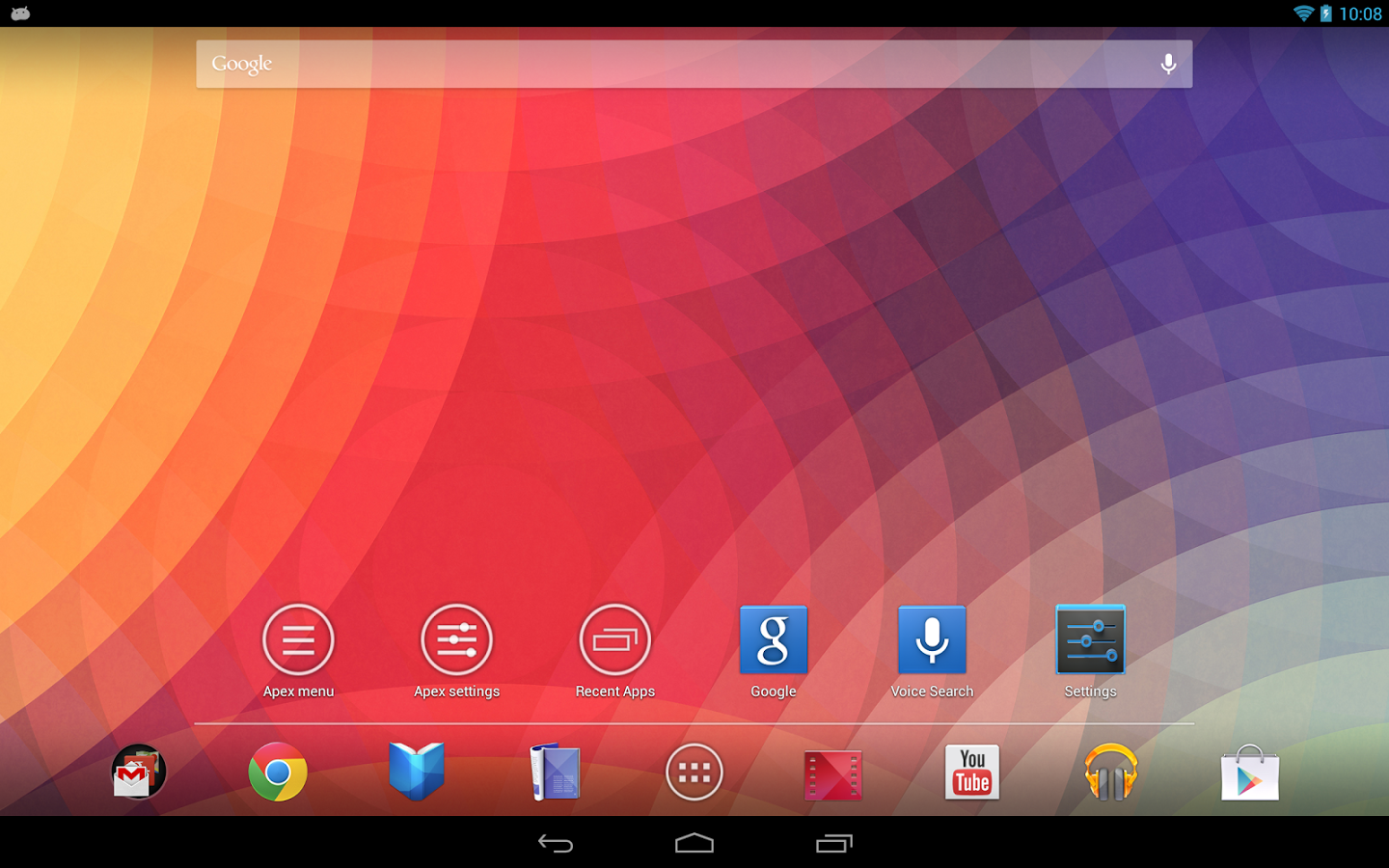
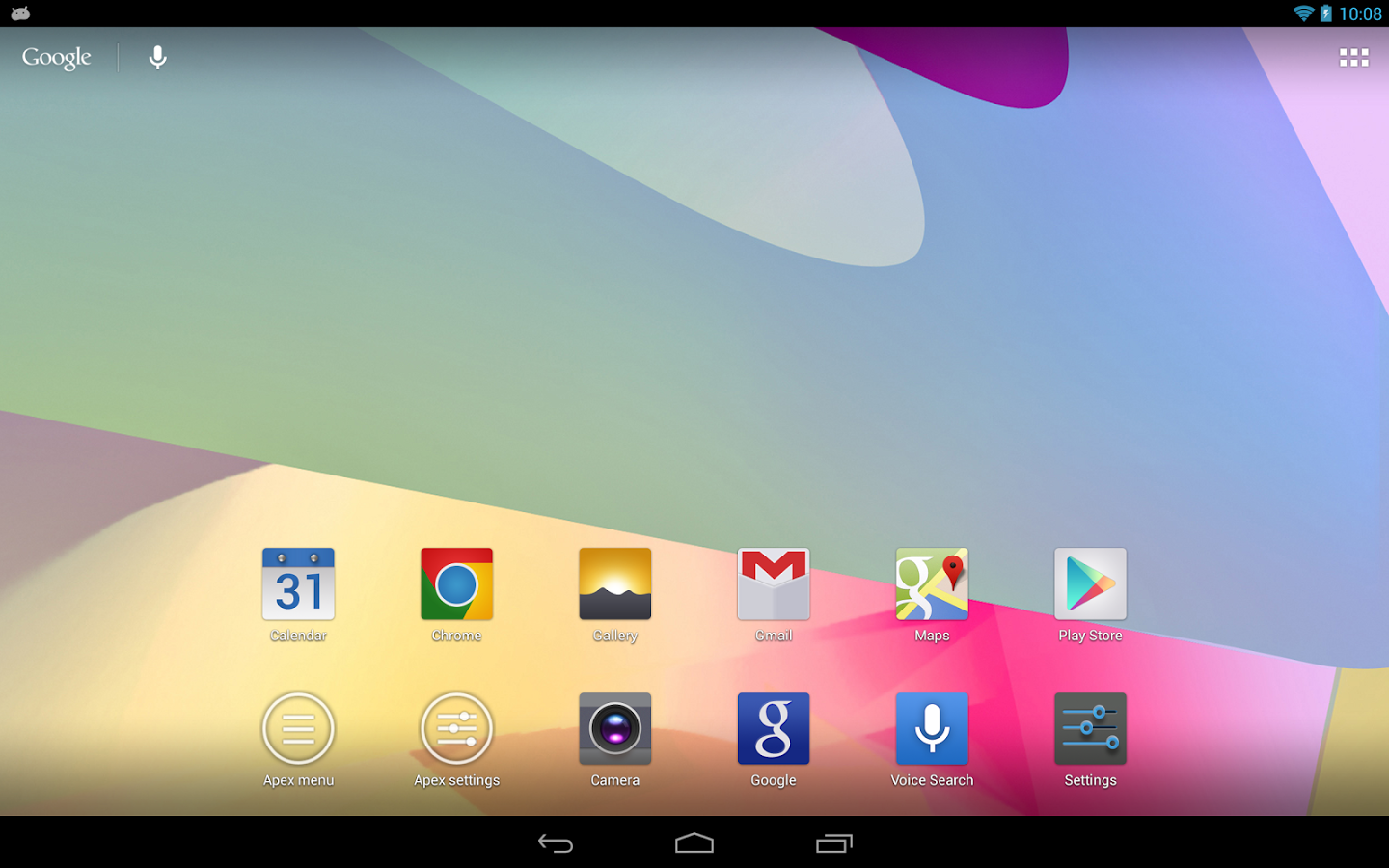
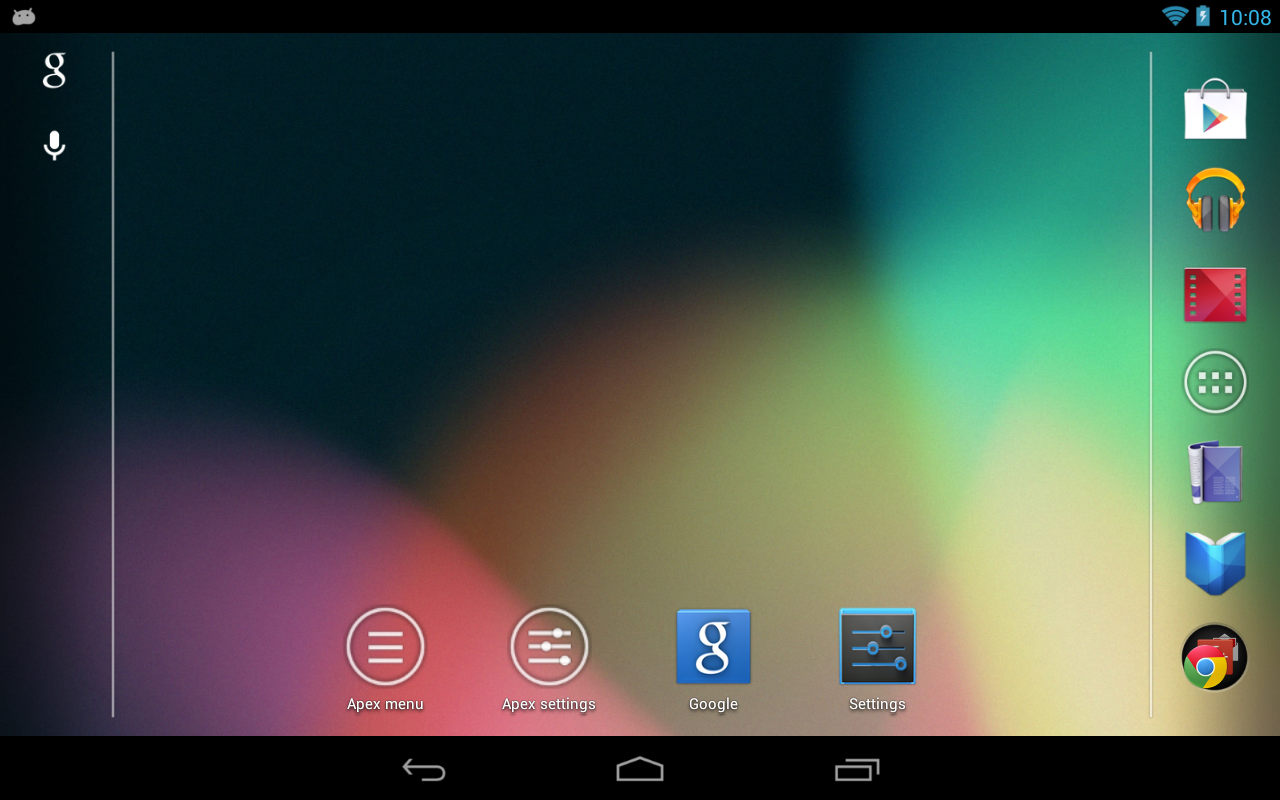
Apex Launcher helps you create a customized homescreen experience on your Android (4.0+) device.
"Fantastic app that has the potential to give your phone a complete makeover. I highly recommend it." - MakeUseOf
"Even after a lot of customization, Apex Launcher feels super fast." - Pocket Now
"We must say it is as smooth as butter." - Droid Life
Five Best Android Launchers - Lifehacker
The 25 Tastiest Apps for Ice Cream Sandwich - PCMag
Must-have apps for the Nexus 7 - ZDNet
Features:
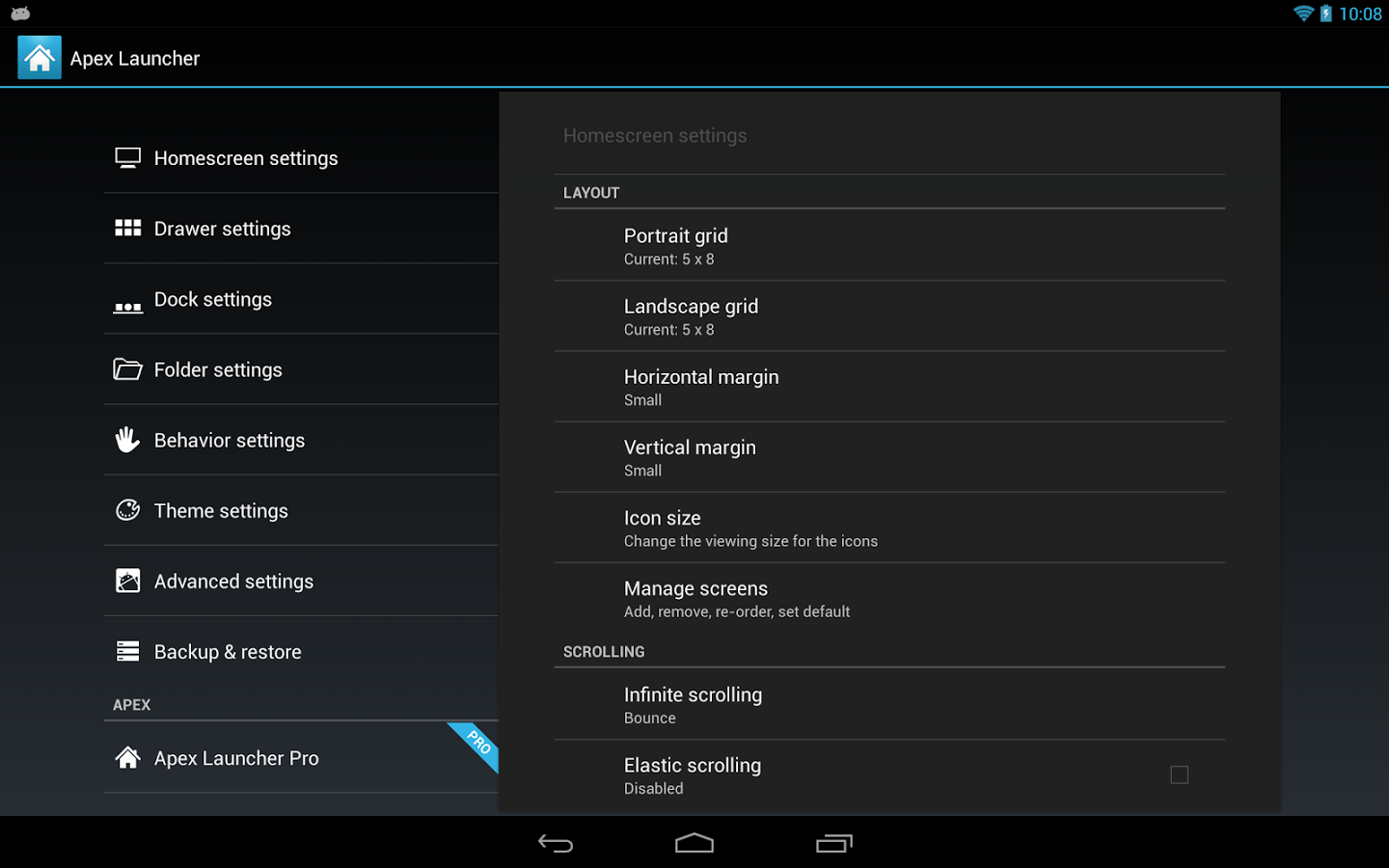
- Customizable homescreen grid size and up to 9 homescreens
- Scrollable dock with up to 7 icons per page and up to 5 pages
- Infinite & elastic scrolling (homescreen, drawer and dock)
- Fancy transition effects (tablet, cube, etc.)
- Hide elements as you want (persistent search bar, status bar, or even the dock)
- Customizable icons and labels for shortcuts and folders
- Choose different folder preview styles and background
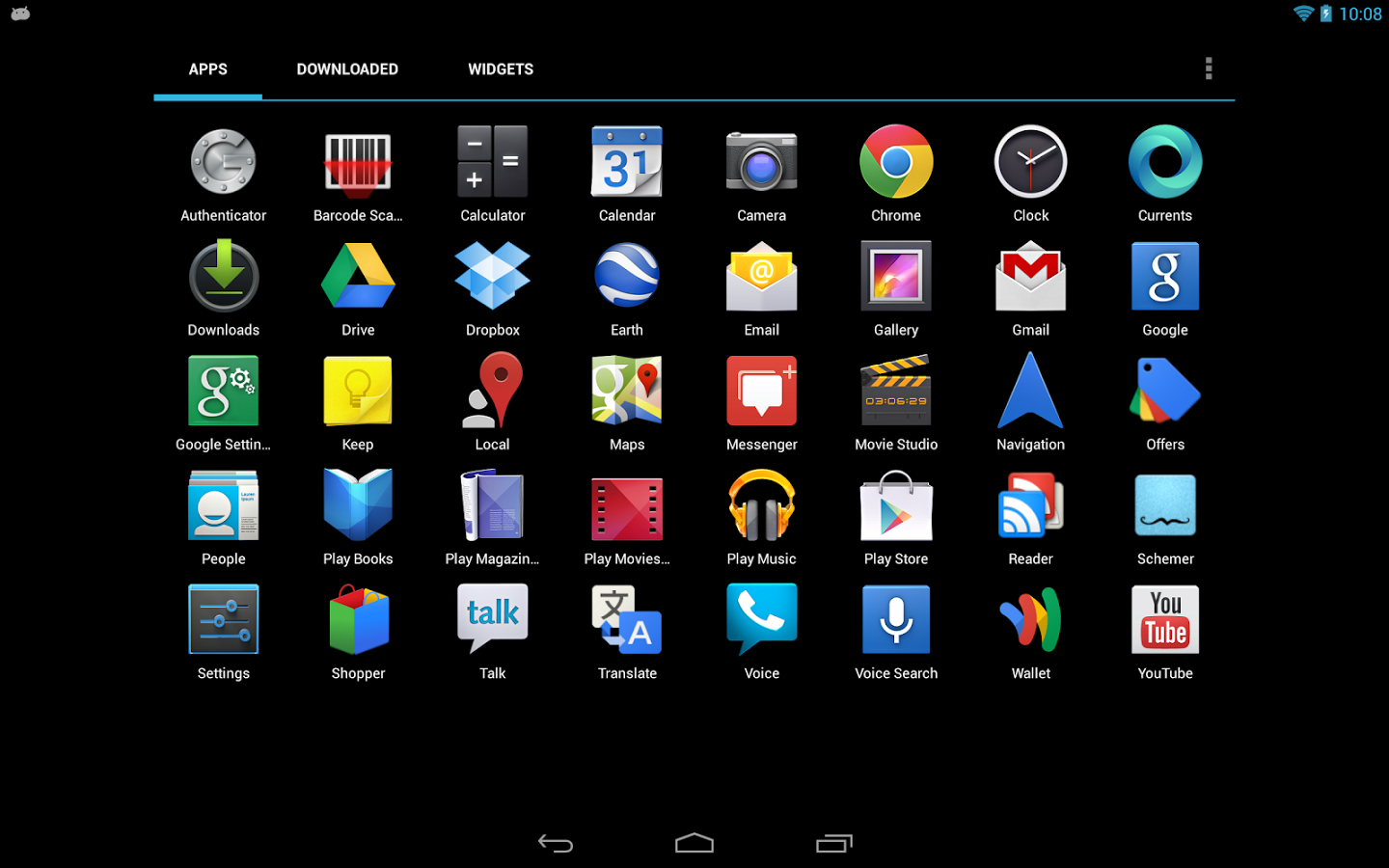
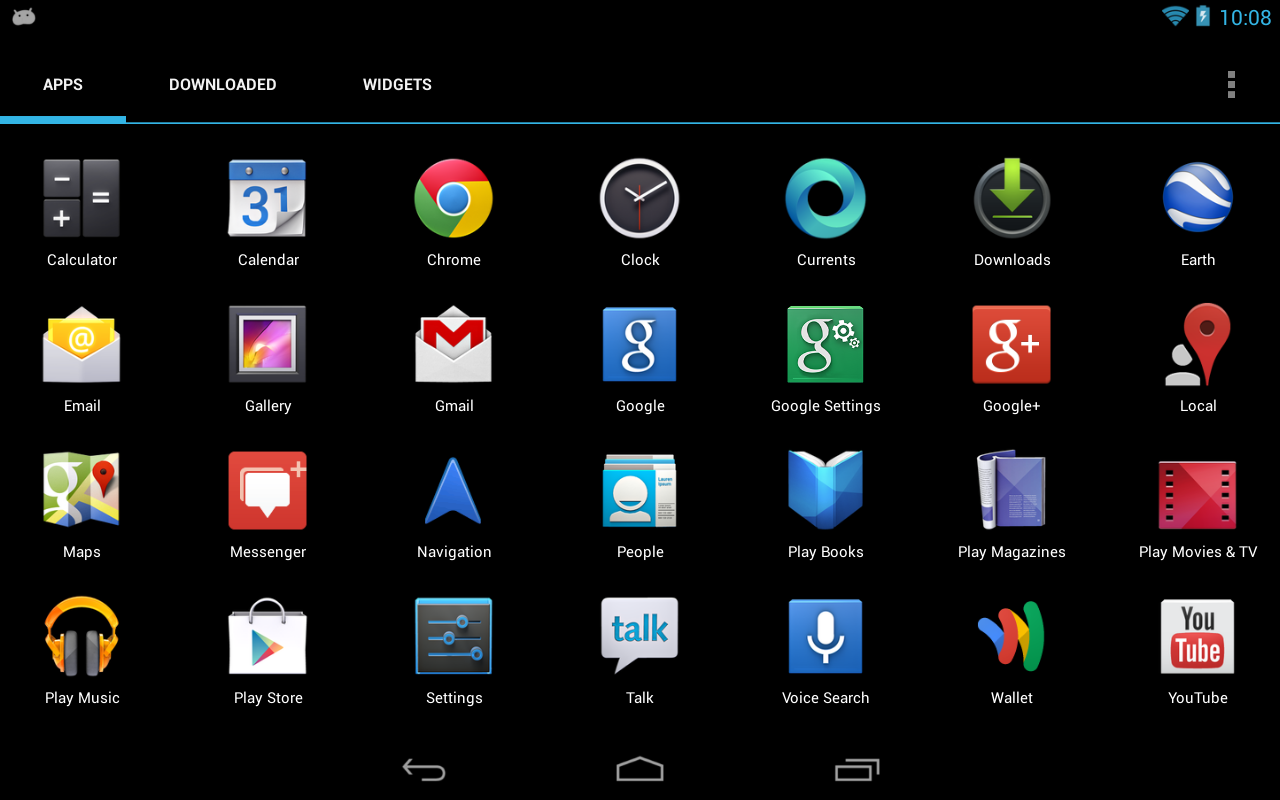
- Multiple drawer styles (transparent/opaque, horizontal/vertical, paginated/continuous)
- Drawer apps sorting (title, install date, mostly used)
- Hide apps from the drawer
- Lock your desktop to prevent accidental changes
- Enjoy homescreen gestures (pinch, swipe up/down, double tap)
- Advanced theme engine (icon packs, skins, etc.)
- Backup/restore settings and data
- Optimized for both phones and tablets
- Lots of other customization options!